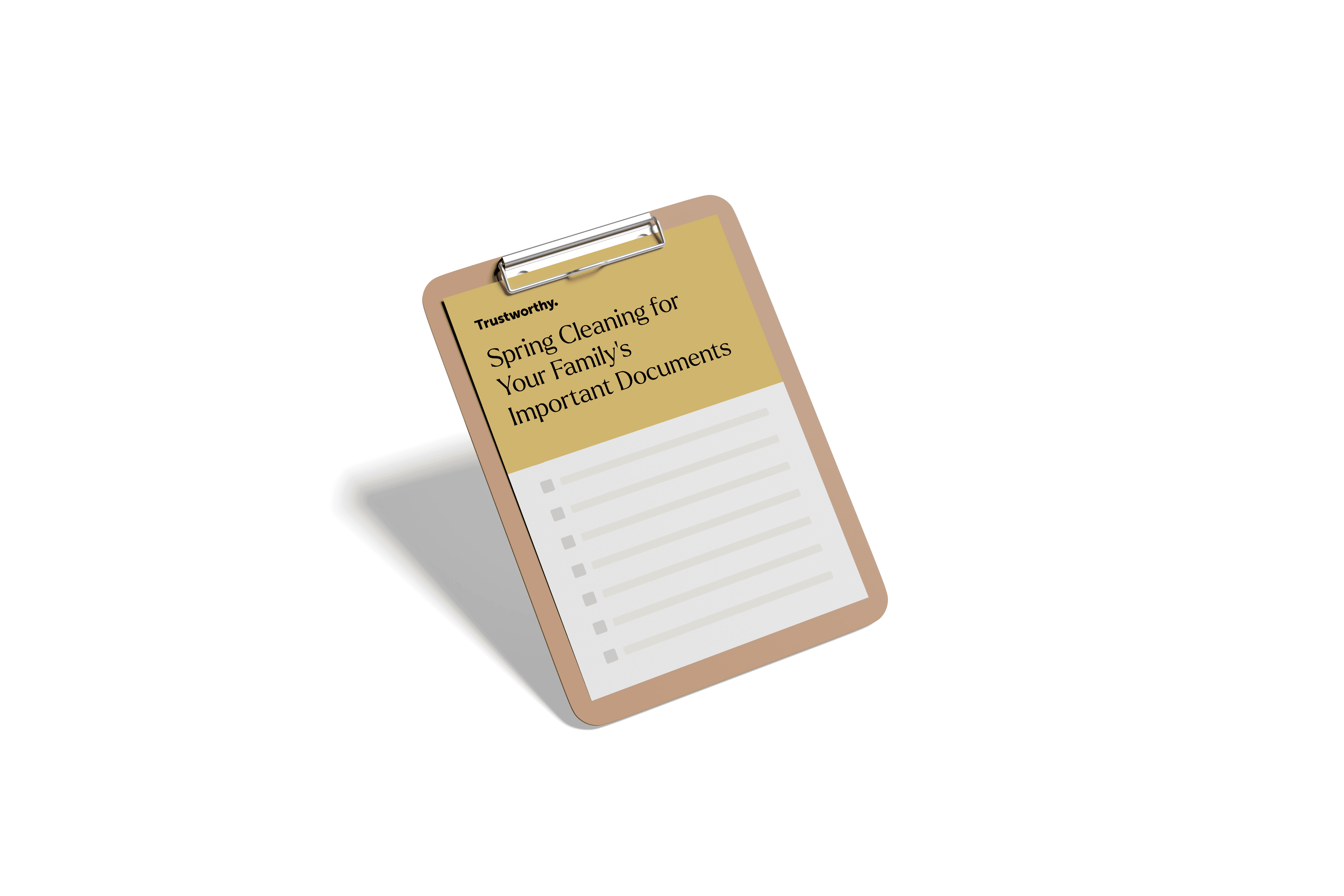
Download the Spring Cleaning Checklist
Download the
Spring Cleaning Checklist
Just enter your name and email, and we’ll make it simple to start organizing your important information.
Just enter your name and email, and we’ll make it simple to start organizing your important information.

Checklist: Spring Cleaning for Your Family’s Important Documents

Spring cleaning isn’t just about cleaning out the garage or finding the bottom of your closet — it’s also a good time to organize important family documents and other records that may have become scattered in desk drawers and email inboxes.
That’s where Trustworthy’s Family Operating System® comes in. Trustworthy makes it easy to store, manage, and update essential information, so in the future you won’t have to dig through stacks of paper or email attachments to find what you need.
Trustworthy helps you get everything in one super-secure place, accessible whenever you need it, and makes it simple to share important information with family members and professionals you’re working with.
You can use this checklist to refresh and organize your family’s information. Everything on this list can be stored easily and safely in the Family Operating System®.
Reminders
Record expiration dates for key documents (passports, driver’s licenses, insurance policies, credit cards, etc.)
Set reminders for renewals (ID renewals, subscription payments, policy expirations)
Tip: The Family Operating System® automatically notes expiration dates and sends you reminders.
Finance
Organize your banking details, including online banking credentials
Organize credit card accounts and loan documents (mortgage, student loans, car loans)
Ensure investment and retirement account details are accessible
Save financial statements and update beneficiary designations
Tip: With Trustworthy, you can access all of your financial accounts in one location with bank-level security.
Passwords
Update your passwords following best practices (e.g., don’t reuse passwords, make them hard to guess, and use a mix of numbers, letters, and symbols)
Ensure someone trusted has access to essential accounts in case of emergency
Tip: Use Trustworthy’s password management section to securely store login information.
Taxes
Upload past tax returns and supporting documents for easy access
Store tax documents for the current year (W-2s, 1099s, receipts for deductions)
Save login credentials for IRS and state tax agencies
Organize records for estimated tax payments, if applicable
Tip: Your professional tax preparer can send your tax return documents directly to your Trustworthy account via the Family Operating System®’s collaboration features.
Business
Upload business entity paperwork (LLC, S-Corp, C-Corp, partnership agreements)
Store tax and financial records for business income
Secure copies of business licenses, permits, and insurance policies
Save contracts, vendor agreements, and employee documents
Tip: Trustworthy makes it easy for family members to step in should you become incapacitated.
Contacts
Store contact information for family members, doctors, attorneys, and insurance agents
Save key professional contacts (financial advisor, accountant, lawyer)
Keep contact details for schools, daycare, and extracurricular activities up to date
Tip: Your Trustworthy contact list helps you and your family be ready for any emergency.
Family IDs
Store digital copies of all family members' IDs (driver’s licenses, state IDs, student IDs, passports, birth certificates, etc.)
Upload digital copies of Social Security cards and keep them securely stored
Update name changes due to marriage, divorce, or legal proceedings
Tip: Using Trustworthy’s Android or iOS app, you can quickly scan IDs and other important documents directly into your Trustworthy account.
Property
Upload property deeds, mortgage documents, and lease agreements
Store home and vehicle title records digitally
Take inventory of valuable assets and upload appraisals
Save utility and service provider account details for easy reference
Tip: Trustworthy’s Chrome extension makes it simple to transfer email attachments and online documents to your Trustworthy account.
Insurance
Organize copies of life, health, auto, and homeowners/renters insurance policies
Check and update beneficiaries on all policies
Upload digital copies of insurance cards (health, dental, vision, auto)
Save an updated home inventory list for homeowners or renters insurance
Tip: Trustworthy’s mobile app (iOS and Android) ensures quick access to your insurance information anytime, anywhere.
Legal
Review and store wills, trusts, and powers of attorney in Trustworthy
Upload advance directives and medical power of attorney documents
Save marriage certificates, divorce decrees, and custody agreements securely
Keep guardianship and estate planning documents up to date
Tip: With Trustworthy, you can share important documents with family members and trusted professionals in advance, or make the documents available only if you pass away.
Family Resources
Upload medical and vaccination records for all family members
Store pet records (vaccinations, licenses, microchip info)
Save school records, report cards, and special education plans (IEPs, 504 plans)
Keep digital copies of travel documents (passports, visas, travel insurance)
Tip: Trustworthy helps you keep track of documents that you might need on short notice.
Reminders
Record expiration dates for key documents (passports, driver’s licenses, insurance policies, credit cards, etc.)
Set reminders for renewals (ID renewals, subscription payments, policy expirations)
Tip: The Family Operating System® automatically notes expiration dates and sends you reminders.
Family IDs
Store digital copies of all family members' IDs (driver’s licenses, state IDs, student IDs, passports, birth certificates, etc.)
Upload digital copies of Social Security cards and keep them securely stored
Update name changes due to marriage, divorce, or legal proceedings
Tip: Using Trustworthy’s Android or iOS app, you can quickly scan IDs and other important documents directly into your Trustworthy account.
Finance
Organize your banking details, including online banking credentials
Organize credit card accounts and loan documents (mortgage, student loans, car loans)
Ensure investment and retirement account details are accessible
Save financial statements and update beneficiary designations
Tip: With Trustworthy, you can access all of your financial accounts in one location with bank-level security.
Property
Upload property deeds, mortgage documents, and lease agreements
Store home and vehicle title records digitally
Take inventory of valuable assets and upload appraisals
Save utility and service provider account details for easy reference
Tip: Trustworthy’s Chrome extension makes it simple to transfer email attachments and online documents to your Trustworthy account.
Passwords
Update your passwords following best practices (e.g., don’t reuse passwords, make them hard to guess, and use a mix of numbers, letters, and symbols)
Ensure someone trusted has access to essential accounts in case of emergency
Tip: Use Trustworthy’s password management section to securely store login information.
Insurance
Organize copies of life, health, auto, and homeowners/renters insurance policies
Check and update beneficiaries on all policies
Upload digital copies of insurance cards (health, dental, vision, auto)
Save an updated home inventory list for homeowners or renters insurance
Tip: Trustworthy’s mobile app (iOS and Android) ensures quick access to your insurance information anytime, anywhere.
Taxes
Upload past tax returns and supporting documents for easy access
Store tax documents for the current year (W-2s, 1099s, receipts for deductions)
Save login credentials for IRS and state tax agencies
Organize records for estimated tax payments, if applicable
Tip: Your professional tax preparer can send your tax return documents directly to your Trustworthy account via the Family Operating System®’s collaboration features.
Legal
Review and store wills, trusts, and powers of attorney in Trustworthy
Upload advance directives and medical power of attorney documents
Save marriage certificates, divorce decrees, and custody agreements securely
Keep guardianship and estate planning documents up to date
Tip: With Trustworthy, you can share important documents with family members and trusted professionals in advance, or make the documents available only if you pass away.
Business
Upload business entity paperwork (LLC, S-Corp, C-Corp, partnership agreements)
Store tax and financial records for business income
Secure copies of business licenses, permits, and insurance policies
Save contracts, vendor agreements, and employee documents
Tip: Trustworthy makes it easy for family members to step in should you become incapacitated.
Family Resources
Upload medical and vaccination records for all family members
Store pet records (vaccinations, licenses, microchip info)
Save school records, report cards, and special education plans (IEPs, 504 plans)
Keep digital copies of travel documents (passports, visas, travel insurance)
Tip: Trustworthy helps you keep track of documents that you might need on short notice.
Contacts
Store contact information for family members, doctors, attorneys, and insurance agents
Save key professional contacts (financial advisor, accountant, lawyer)
Keep contact details for schools, daycare, and extracurricular activities up to date
Tip: Your Trustworthy contact list helps you and your family be ready for any emergency.
Your Spring Cleaning With Trustworthy
By using Trustworthy’s Family Operating System® to organize your family's essential documents, you’re not just decluttering — you’re creating a secure, easy-to-access system for life’s most important information. No more searching through stacks of paper or scattered files, for you or for your family. You can start your document spring cleaning with Trustworthy for free!
Your Spring Cleaning With Trustworthy
By using Trustworthy’s Family Operating System® to organize your family's essential documents, you’re not just decluttering — you’re creating a secure, easy-to-access system for life’s most important information. No more searching through stacks of paper or scattered files, for you or for your family. You can start your document spring cleaning with Trustworthy for free!
Your Spring Cleaning With Trustworthy
By using Trustworthy’s Family Operating System® to organize your family's essential documents, you’re not just decluttering — you’re creating a secure, easy-to-access system for life’s most important information. No more searching through stacks of paper or scattered files, for you or for your family. You can start your document spring cleaning with Trustworthy for free!
Your Spring Cleaning With Trustworthy
By using Trustworthy’s Family Operating System® to organize your family's essential documents, you’re not just decluttering — you’re creating a secure, easy-to-access system for life’s most important information. No more searching through stacks of paper or scattered files, for you or for your family. You can start your document spring cleaning with Trustworthy for free!
Resources
© 2026 Trustworthy Company
Trustworthy for life™
548 Market St, San Francisco, CA 94104
Est. 2020

Resources
© 2026 Trustworthy Company
Trustworthy for life™
548 Market St, San Francisco, CA 94104
Est. 2020
© 2026 Trustworthy Company
Trustworthy for life™
548 Market St, San Francisco, CA 94104
Est. 2020
Resources
© 2026 Trustworthy Company
Trustworthy for life™
548 Market St, San Francisco, CA 94104
Est. 2020