Capture Critical Life Details From Any Website in a Click
Published
|
Written by
Trustworthy
Trustworthy's Family Operating System® automatically organizes your most important information and turns it into answers, guidance, and action.
We know how maddening it can be to keep track of vital information for you and your family that's locked behind dozens of websites.
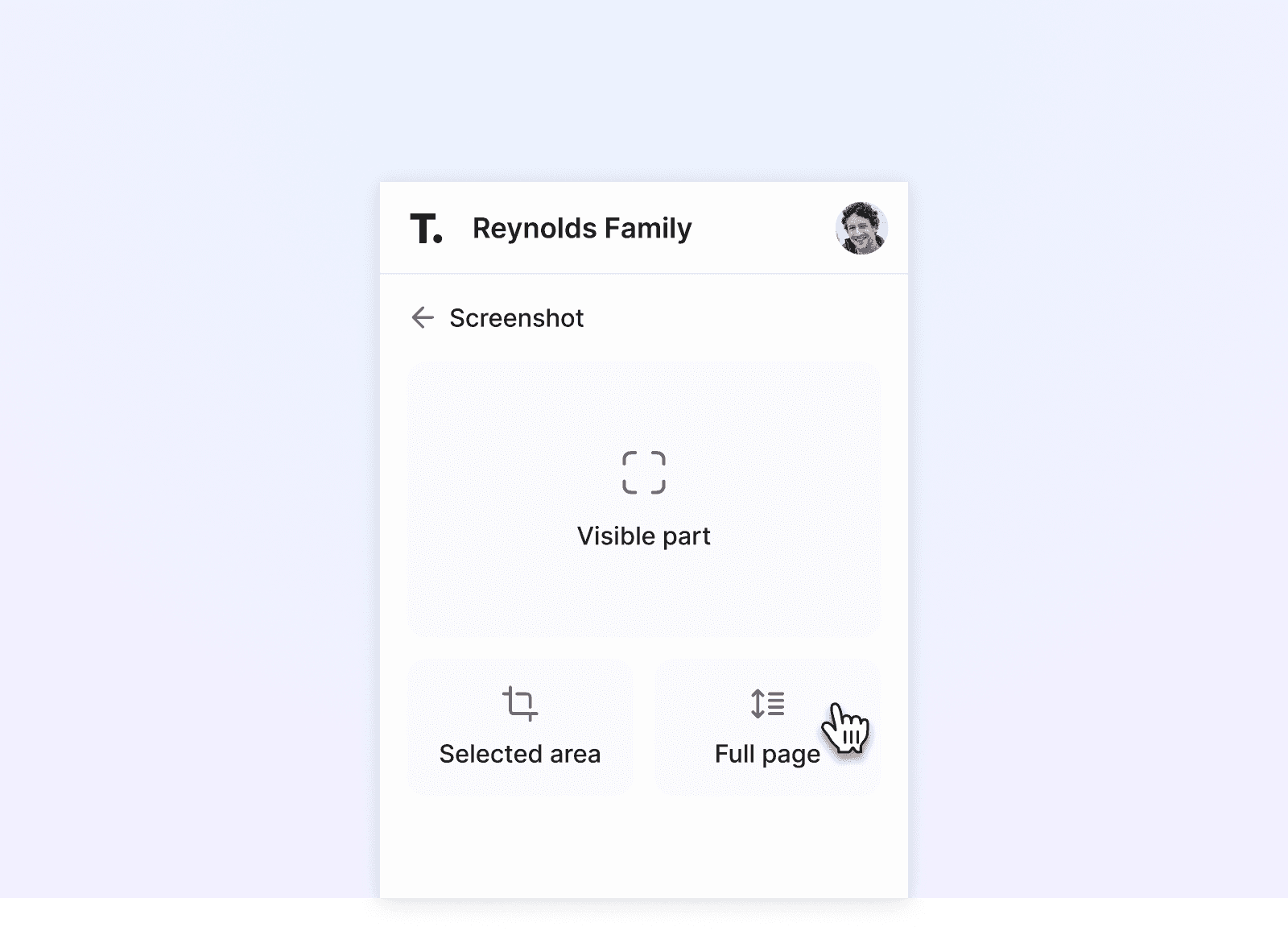
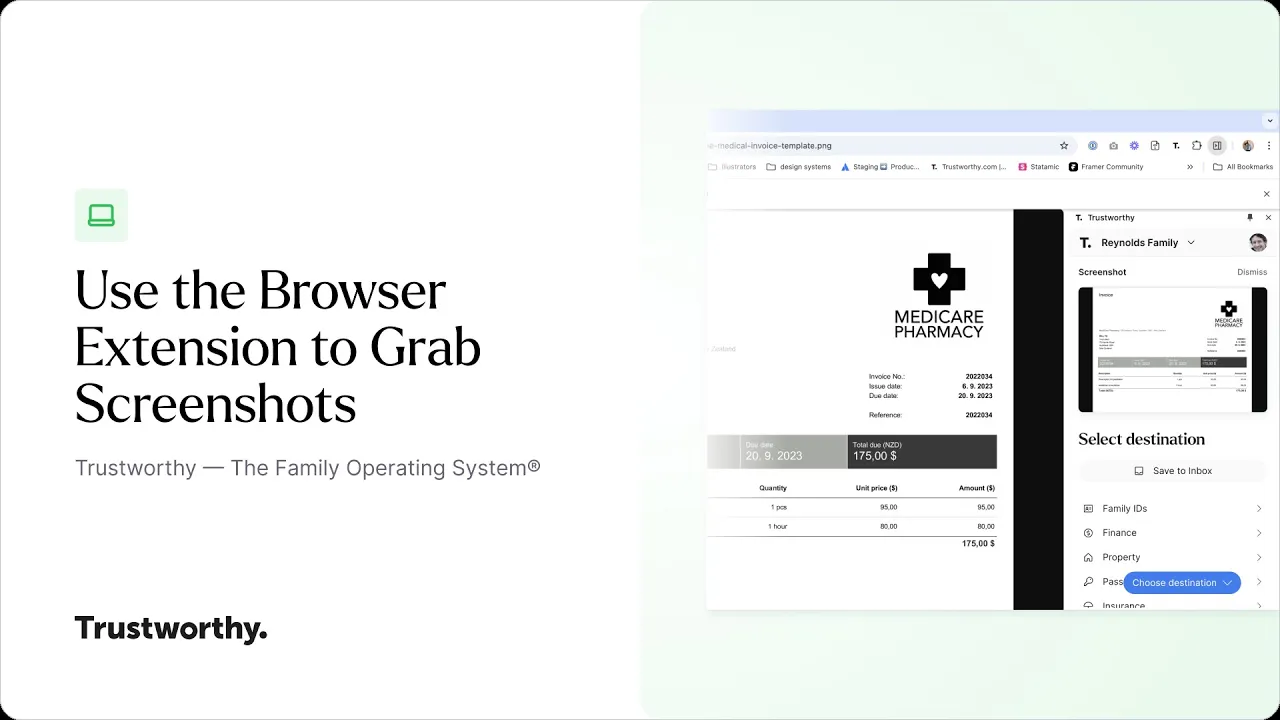
To help you out, we've upgraded our Browser Extension with more ways to snap a screenshot of important information from any website and organize it instantly inside Trustworthy.
How does it work?
Sign in to the extension with your Trustworthy sign-in details.
Open any web page with content that you want to save to Trustworthy.
Take a picture of one screen, a selected area, or a long scrolling page. You choose.
We'll take it from there to secure, organize, and make that information available to you when, where, and how you need it.
We’d love to hear from you. Feel free to email us with any questions, comments, or suggestions.